Risk Change Notification Settings allow you to control which changes in risk trigger notifications in Sentrido.
These settings help users stay informed when scan risk or port catalog risk changes over time.
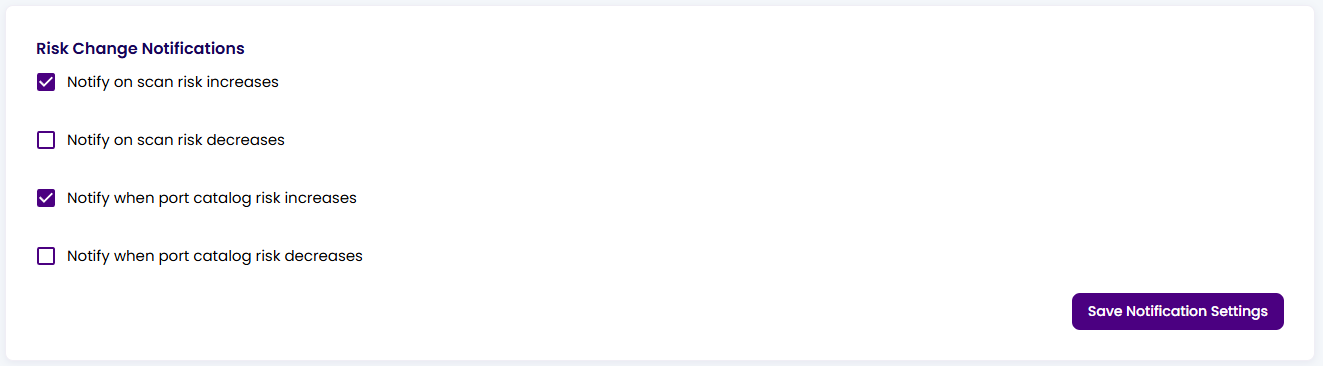
Configure Risk Change Notifications
- Open the Notification Settings page in the Sentrido Admin Portal.
- Under Risk Change Notifications, select the notification types you want to enable:
- Notify on scan risk increases to receive notifications when scan risk goes up
- Notify on scan risk decreases to receive notifications when scan risk goes down
- Notify when port catalog risk increases to receive notifications when port catalog risk goes up
- Notify when port catalog risk decreases to receive notifications when port catalog risk goes down
- Click Save Notification Settings to apply your changes.
Was this article helpful?
That’s Great!
Thank you for your feedback
Sorry! We couldn't be helpful
Thank you for your feedback
Feedback sent
We appreciate your effort and will try to fix the article